Cinema Grade
Face Morphing.
Upload a photo and watch every face blend into the next in real time. Landmark-aligned, privacy-first and built for groups.
Best results with subjects directly facing the camera

Built on open vision technology
The pipeline for detection, alignment,
and effortless morphing
Great morphs thrive in a
pipeline built on precision
Every swap follows the same careful path, from the moment a file is chosen to the final frame.
~1s
Typical time to the first visible swap on a group photo
8
Faces morphed independently per photo, 4 on phones
5
Cinematic transition styles to choose from
100%
Processed locally, so nothing leaves your session
What it does
Finds every face
FaceMesh landmarks locate each face and its tilt, then every face is cropped and straightened on its own.
Matches and blends
Landmarks align each face to its new position, colors are matched to the target's skin tone, and seamless cloning hides the edges.
Plays it cinematically
Faces cross-fade into one another in a continuous loop, with five transition styles you can switch between.
Keeps you in control
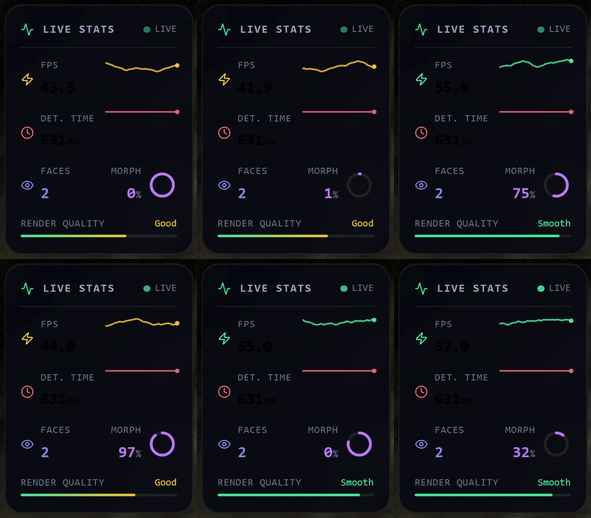
Pause, step, reset or export a PNG. Toggle bounding boxes, overlays, split view and live performance stats.
How your upload is handled
From file picker to finished swap, your photo is checked, processed and cleared inside your own browser.
Pick an image
Only image files up to 10 MB are accepted. GIFs and videos are turned away with a clear message.
Safety check
An NSFW check starts as soon as the file loads, alongside face detection. The photo stays hidden until it passes, and blocked images are never shown.
Detect and crop
Faces are located with FaceMesh, then each one is cropped and straightened. Up to 8 faces are used on desktop and 4 on phones.
Swap in the browser
The first swaps are built first, so the animation starts in about a second. The remaining pairs fill in while it plays.
Clean up
Resetting or uploading a new photo stops the animation and clears every canvas from memory.
The Workspace
Precise • Fast • Adaptive
Face Mesh v4.0
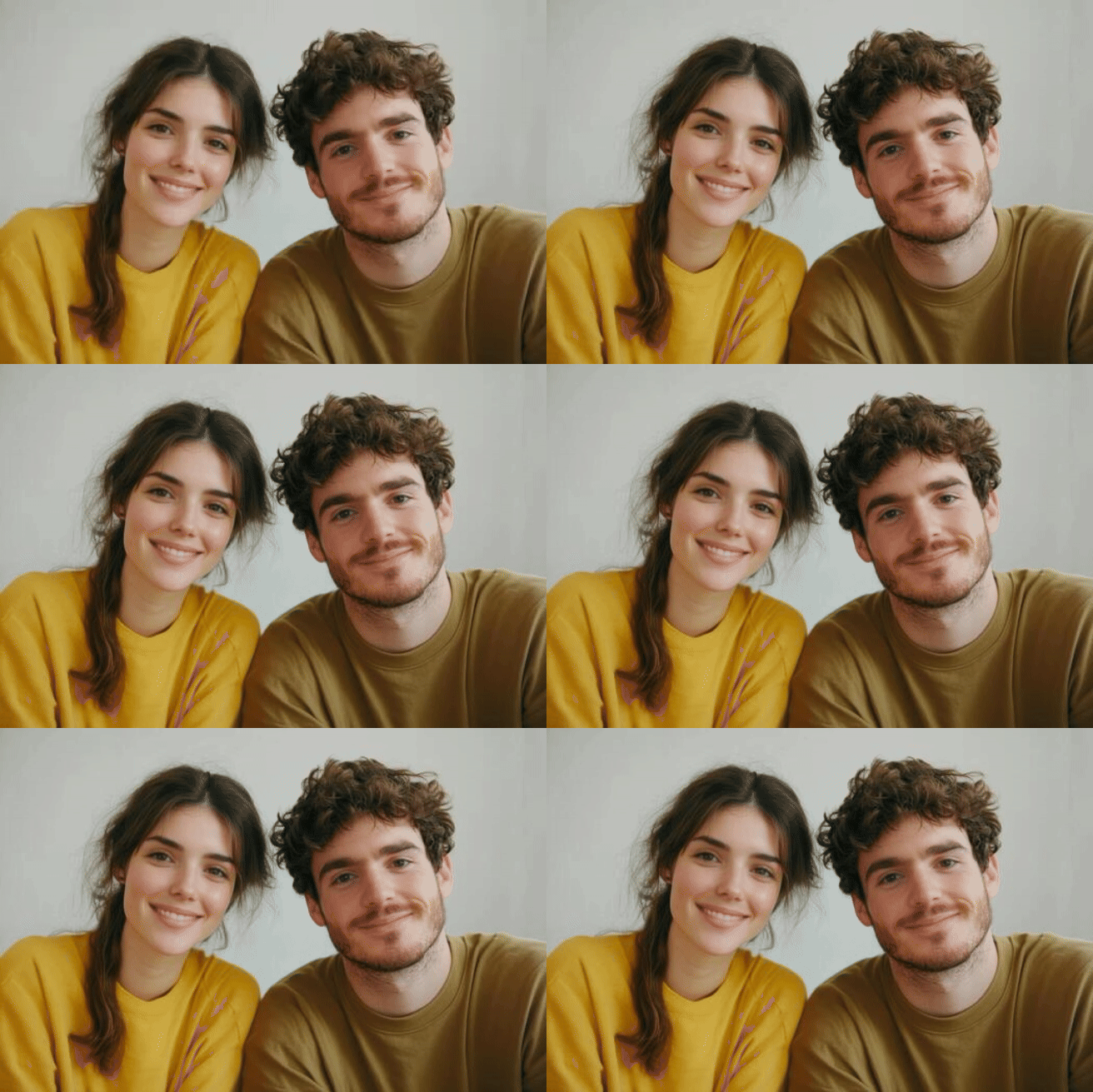
Advanced 128-point landmark detection isolates geometry for jitter-free results.
Swap Intensity
Fine-tune the neural blend between source geometry and target mesh.

Session Hub
Manage high-fidelity captures and neural mesh exports directly to your workspace.
What's New in v2.0
Version 2.0 introduces the Face DNA Engine, a much faster path to your first swap, and a more thorough safety check.
Face DNA Engine
Reads every face in your photo, lines up their features, and blends them into a family tree of new faces you can explore, tweak and export.
Lineage preview
illustrativeNew Identity nodes join below this tree, each one drawing on a different mix of the original faces.
How it works
Fingerprint
Each face is shrunk to 32×32 grayscale, run through a 2D DCT, and joined with a color histogram into one 128-dimension vector.
Align
50 landmarks per face (the contour plus eyes, nose, mouth and brows) are pinned onto a shared average shape with a thin-plate spline warp.
Blend
Aligned faces are averaged by weight in float space, then sharpened, so you get one crisp face instead of a ghosted overlay.
Map
Every face lands on an interactive graph where edge thickness shows each parent's share, with similarity scores alongside.
In the studio
New Identity
Mixes a random subset of 3+ faces into someone new, with a fresh color grade each time.
Blend Faces
Pick two people, drag the ratio and watch the result update live.
Blend modes
Weighted average, geometric mean or max pooling shape the synthetic DNA vector.
PDF Report
Export the full tree, ratios and similarity scores as a styled PDF.
Also new in v2.0
Faster first swap
The first swaps appear in about a second. The rest of the cycle fills in while the animation is already playing.
Redesigned loader
A live progress ring with Scan, Detect and Swap stages shows exactly where your photo is in the pipeline.
Smarter safety check
The NSFW check now runs alongside face detection, and borderline images get an extra pass over several crops.
The embedding is a lightweight perceptual fingerprint used to compare and blend faces. It is not a biometric identity check or a real ancestry test.
What was in v1.5
The release that brought live performance metrics, multi-subject tracking and side-by-side comparison to the studio.
Optimization • Vision • Analytics
FPS Tracker
Optimized WebGL pipeline delivering consistent 60FPS on modern mobile hardware.
Bounding Box
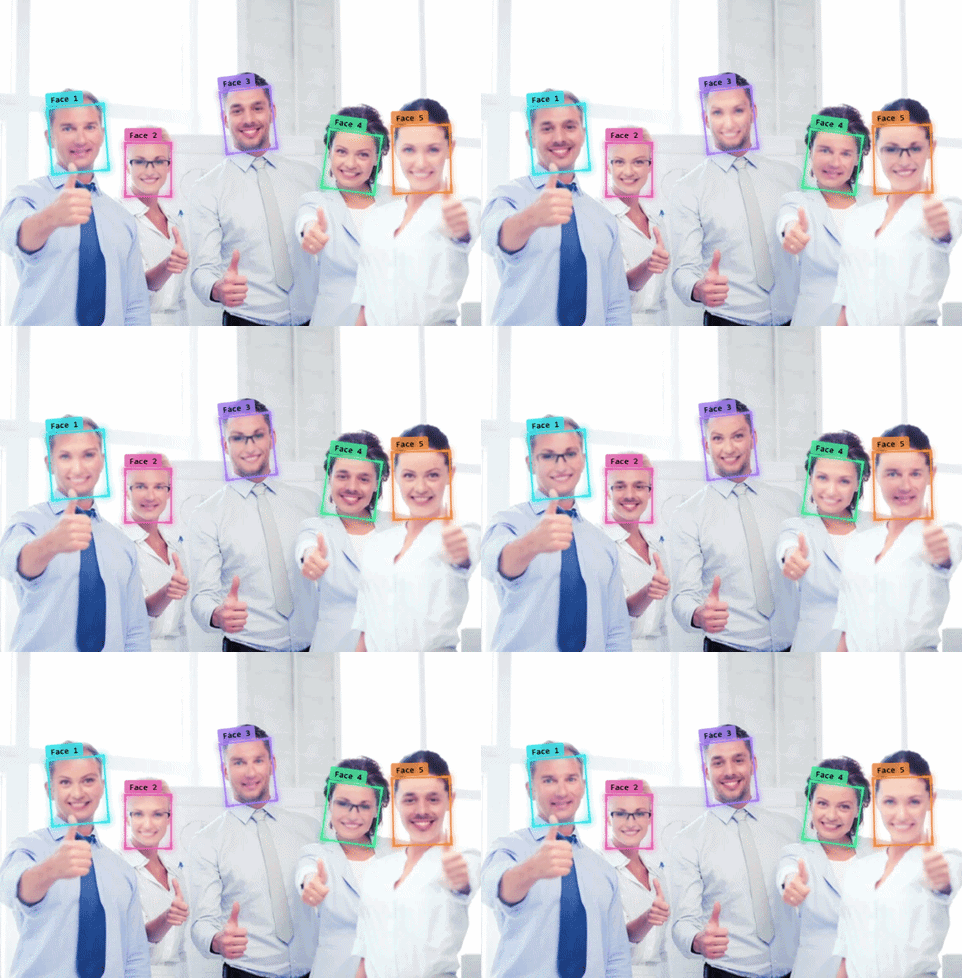
New multi-subject bounding box logic ensures perfect stabilization even with rapid movement.

Split View
Verify every pixel. Side-by-side engine for high-fidelity comparison between original frames and neural output.
Diagnostic Overlays
Toggle high-fidelity visualization layers to inspect neural tracking, spatial landmarks, and temporal motion in real-time.
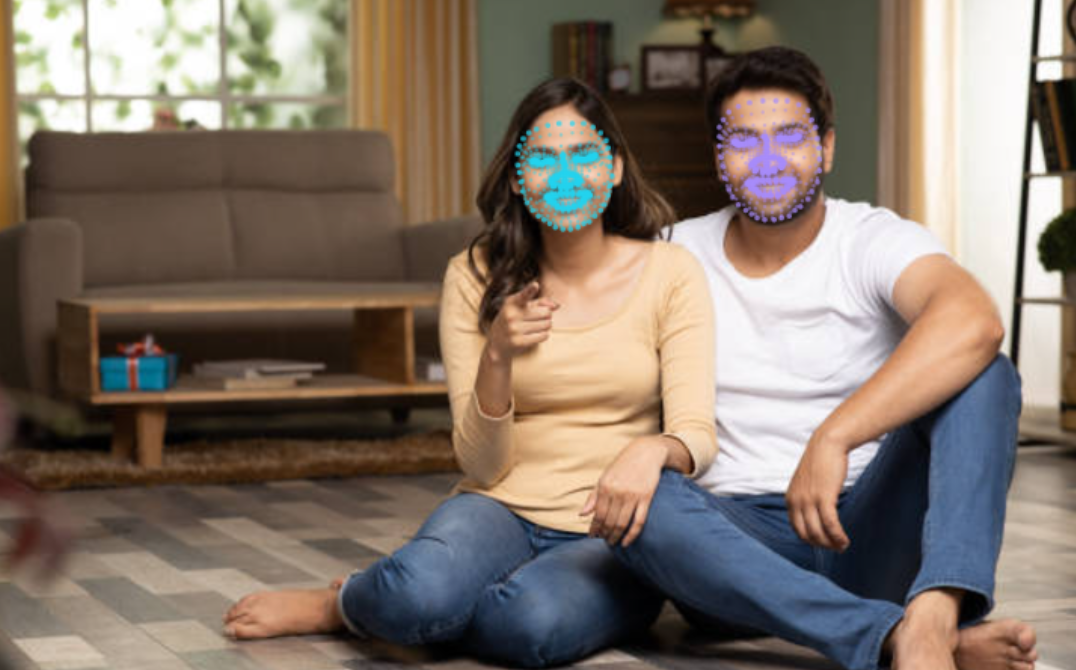
Face Mesh
High-density polygonal topology for sub-millimeter tracking accuracy.
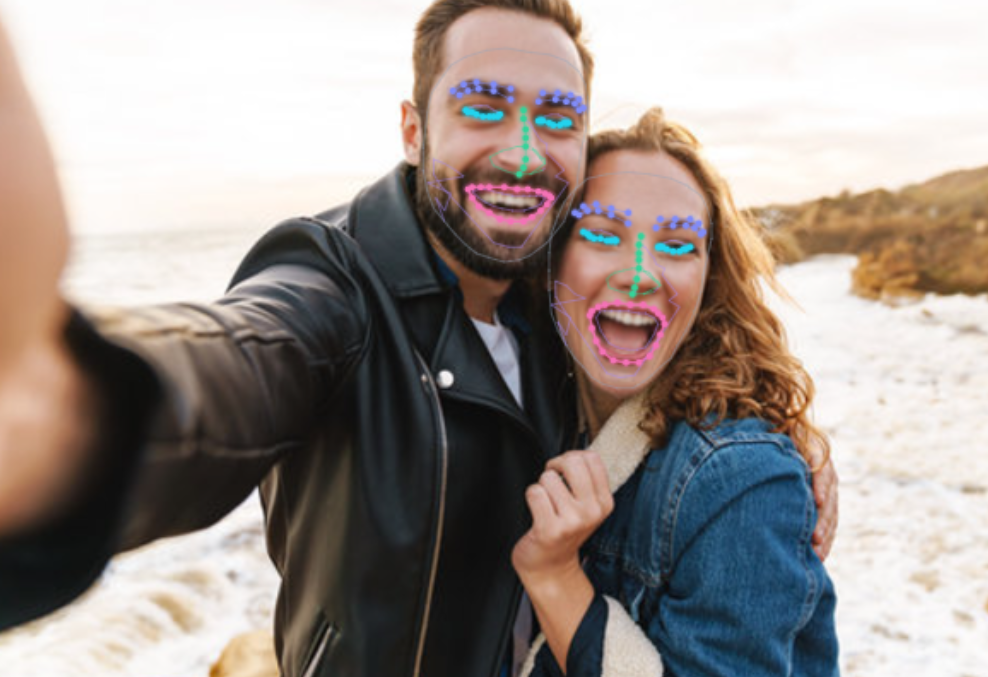
Landmarks
Point-cloud extraction of 68 facial anchors for expression mapping.
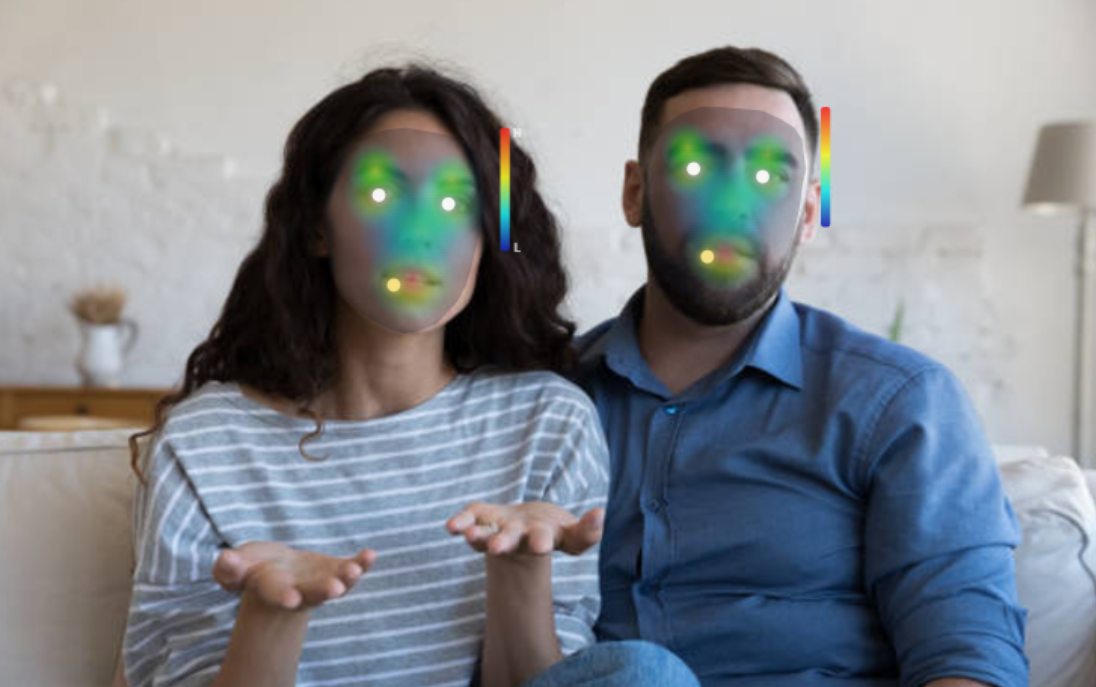
Heatmap
Temporal velocity gradients visualizing micro-movements and flow.
Frequently Asked Questions
Ready to open the Studio?
Drop in a group photo and see the first swap in about a second.